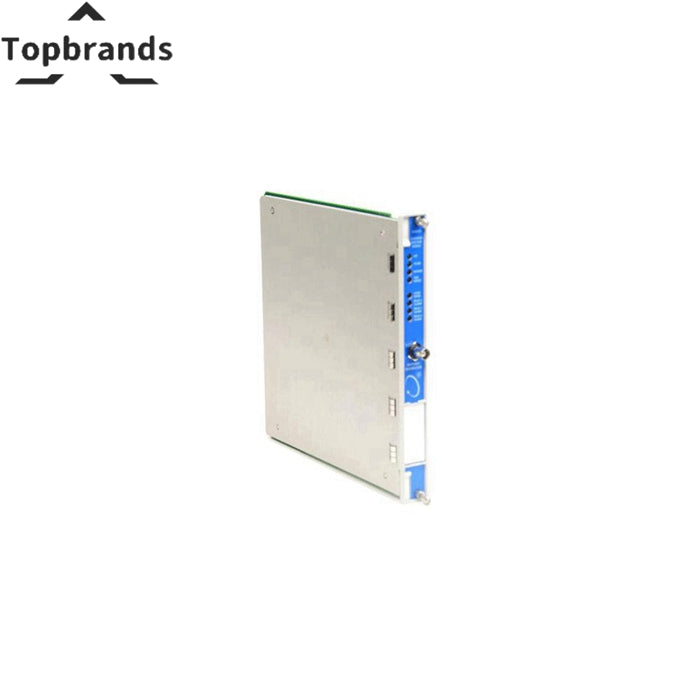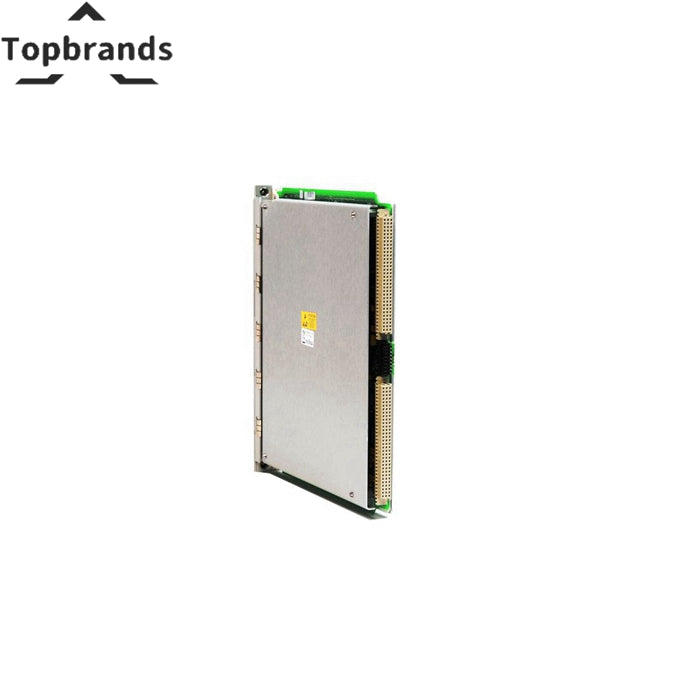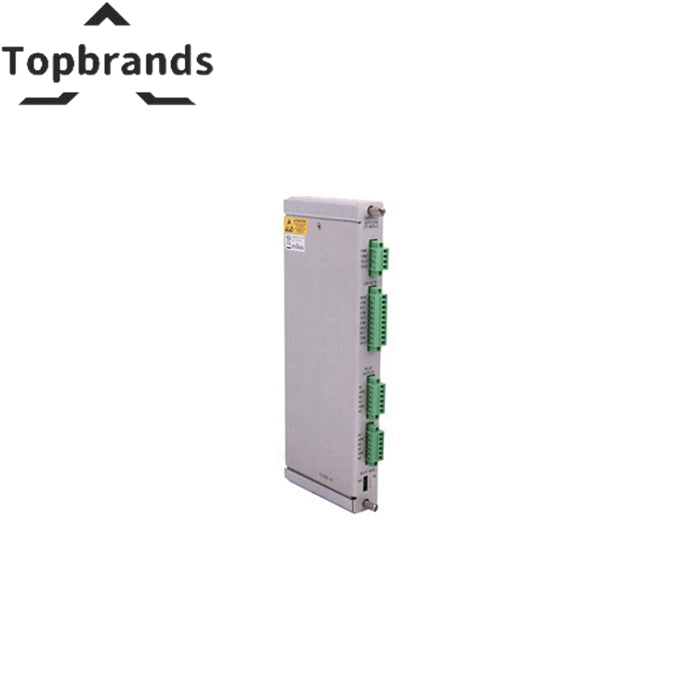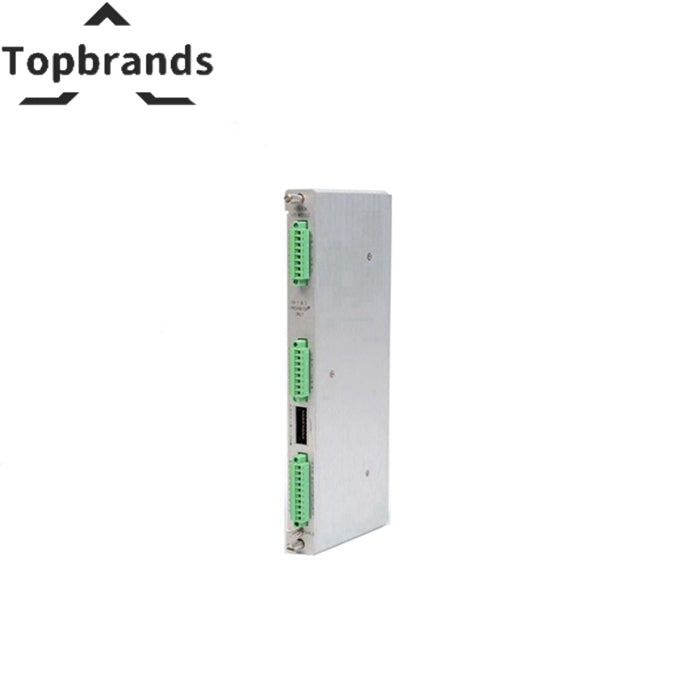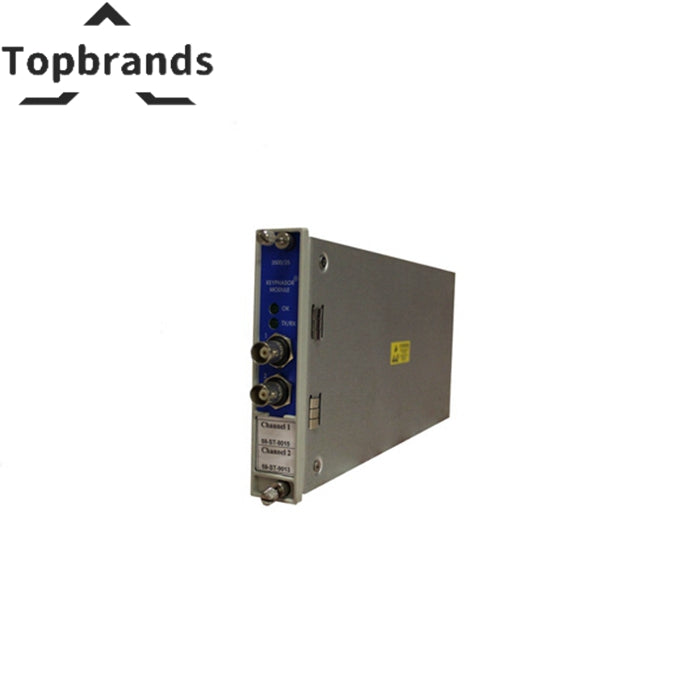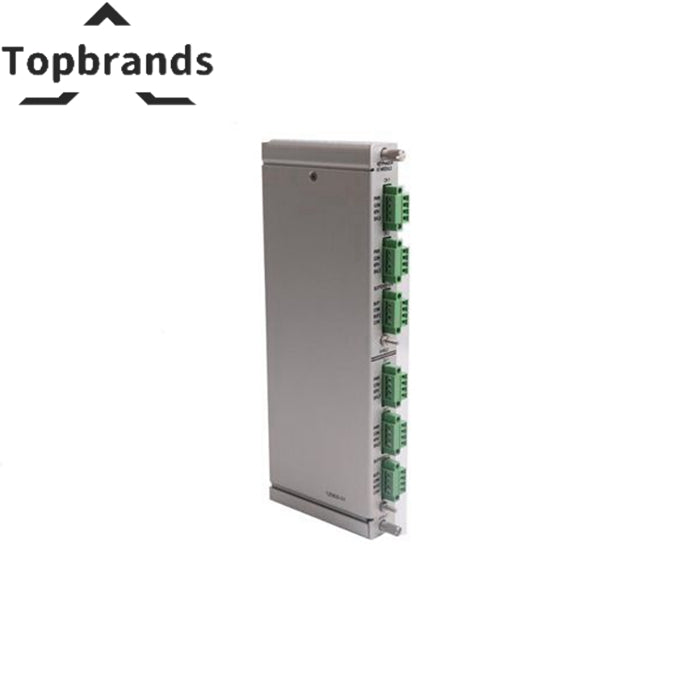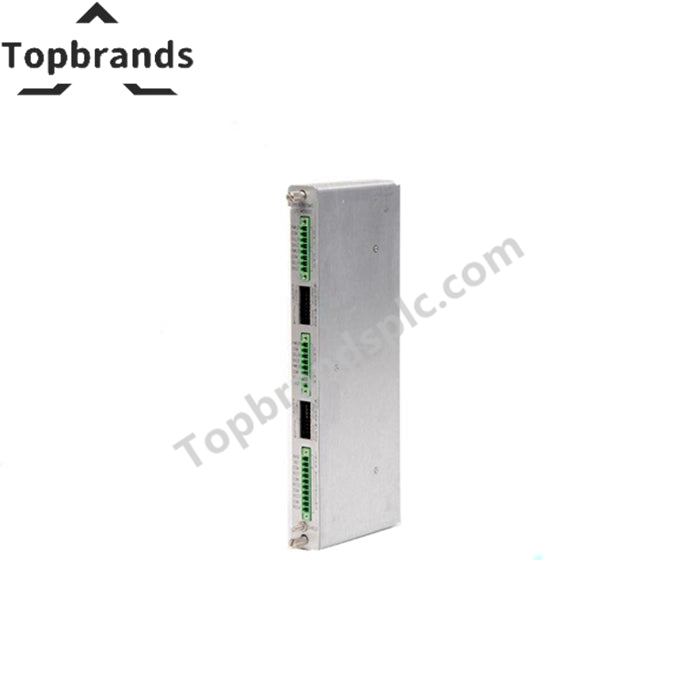
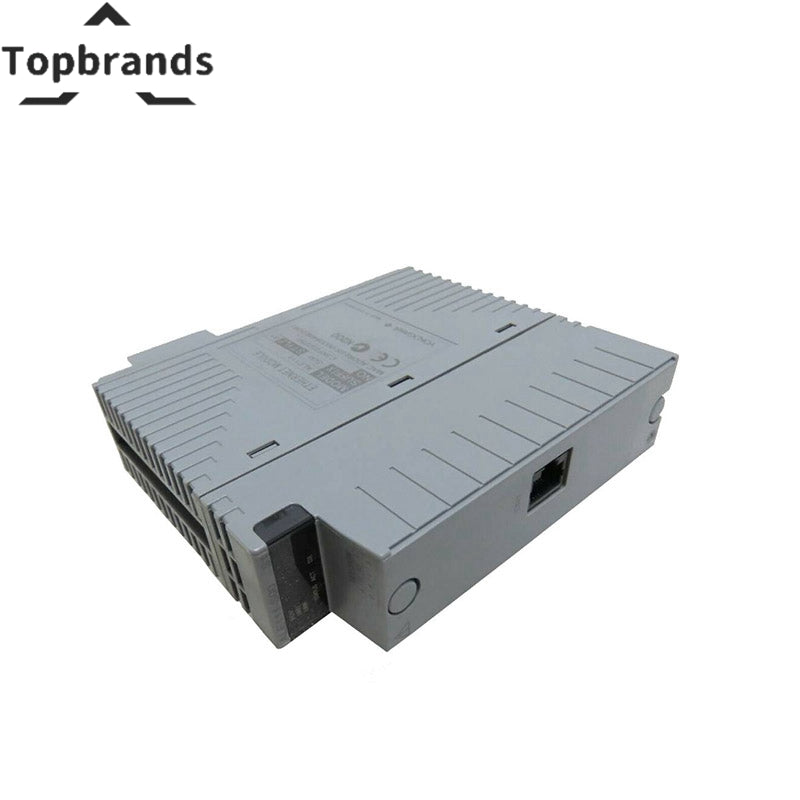
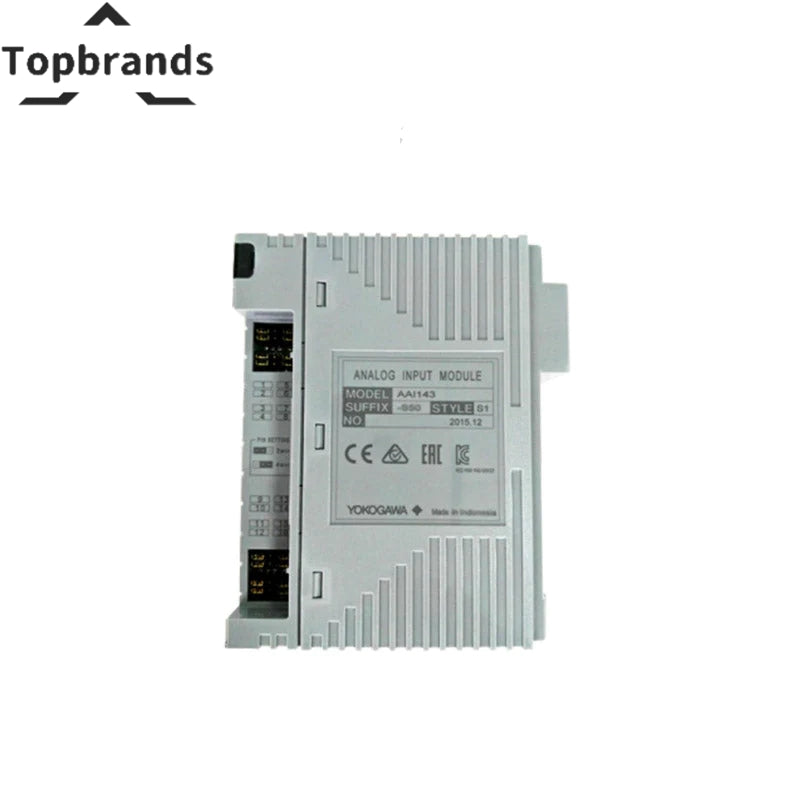
Yokogawa ADV551-P03 32-channel Digital Output Modules
A digital output module for Yokogawa systems — the ADV551-P03 handles -6: With status display; with no explosion protection | -E: Without status display; with explosion protection | -F: With status display; with explosion protection. Factory-sealed, tested on live rack with 48-hour burn-in. Ships today from Shenzhen. 12-month warranty.
Technical Specifications
| -P | With pulse width output function/time-proportional output function |
|---|---|
| -5 | Without status display; with no explosion protection |
| -6 | With status display; with no explosion protection |
| -E | Without status display; with explosion protection |
| -F | With status display; with explosion protection |
| -0 | Basic type |
| -3 | With ISA Standard G3 option and temperature (-20 to 70 °C) option |
| Manufacturer | Yokogawa |
| Model / SKU | ADV551-P03 |
Ships within 24 hours | 12-Month Warranty | Worldwide Delivery
Understanding the Yokogawa ADV551-P03
If you maintain Yokogawa systems, you know that not all replacement parts are created equal. The ADV551-P03 is a digital output module engineered specifically for Yokogawa automation platforms. The aftermarket is flooded with modules that look identical on the outside but use inferior components internally. -p: With pulse width output function/time-proportional output function; -5: Without status display; with no explosion protection; -6: With status display; with no explosion protection; -e: Without status display; with explosion protection. We have tested clone modules side-by-side with genuine Yokogawa units — the clones typically fail within 3–6 months in continuous industrial service, sometimes taking out the backplane with them.
Every ADV551-P03 we sell is 100% genuine Yokogawa, with the manufacturer serial number and holographic label intact. We source from authorized distribution channels and decommissioned system tear-downs with full traceability documentation.
Before inserting this module, power down the chassis completely. Yokogawa modules are generally not hot-swappable. Verify backplane voltage with a calibrated multimeter before insertion. After installation, power up and verify the status LED shows normal operation before returning the system to service. Run the manufacturer diagnostic routine if available.
Compatible Parts — Same System
These modules share the same system family as the ADV551-P03. Commonly ordered together for complete rack builds or spare parts kits.
Related Products